
The content provides instructions on how to use the Microsoft Teams PowerShell module to retrieve app information from Teams. It includes code snippets and images to illustrate the steps.
Module needed: MicrosoftTeamsPowerShell
Get-TeamsApp | Select DisplayName, DistributionMethod, ID, ExternalID
Parameters
-DisplayName : Name of the app visible to users
-DistributionMethod : The type of app in Teams: global or organization. For LOB apps, use “organization”
-Id : The app’s ID generated by Teams (different from the external ID)
-ExternalId : The external ID of the app, provided by the app developer and used by Azure Active Directory
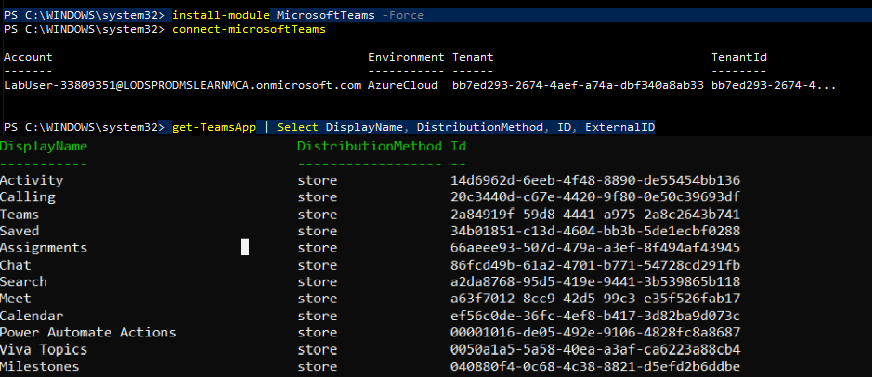
You can also export the data in the form of a CSV file.
Get-TeamsApp | Select DisplayName, DistributionMethod, ID, ExternalID | Export-Csv -Path C:\TeamsApps-from-tenantAppStore.csv

 Let's Learn Microsoft
Good document.
LikeLike